
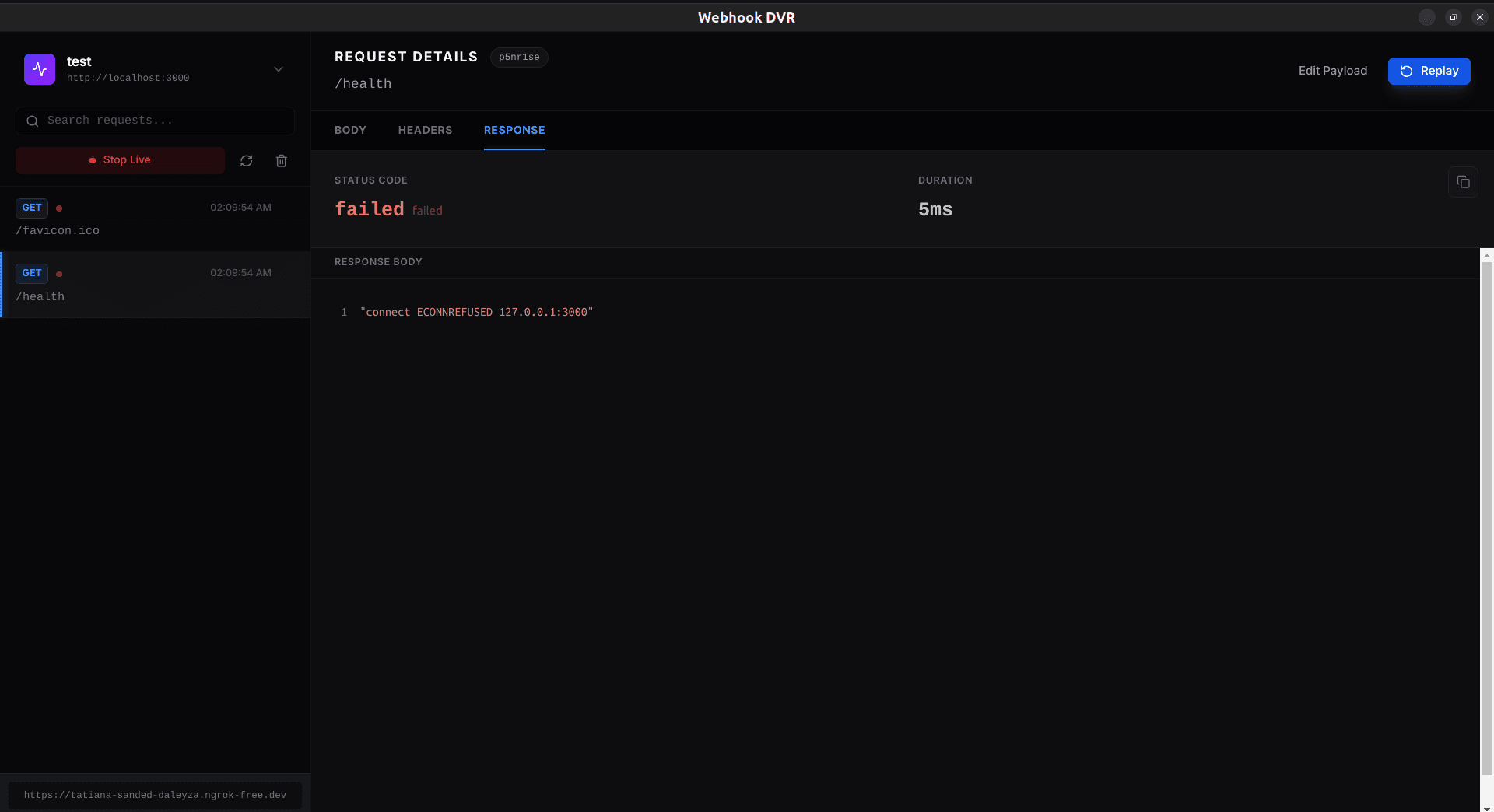
Webhook DVR
A development tool for recording webhook payloads and replaying them to a local target while working on an integration.
Read the project storyIntegrations & automation
APIs, event-driven integrations, and automation that connect the tools you depend on and handle the moments when things go wrong.
This service typically comes up when:
Field mapping is only part of the work. Validation, retries, reconciliation, and monitoring make an integration operable.

Project captures and the decisions behind them.
A development tool for recording webhook payloads and replaying them to a local target while working on an integration.
Read the project story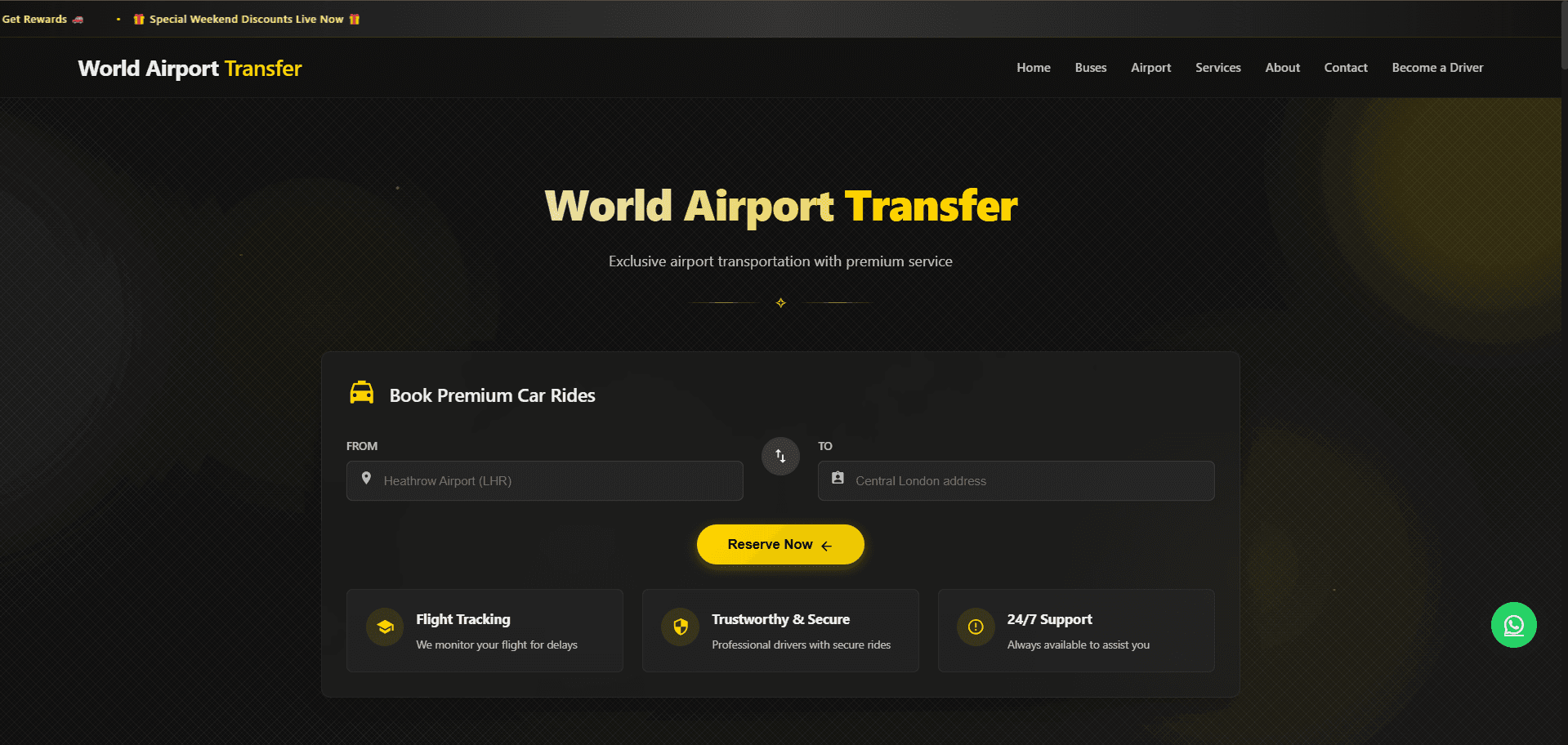
A booking platform for airport transfers and private hire, bringing vehicle choice, flight context, and reservations together.
Read the project storyA clear diagram of what data flows between which systems, how often, and what triggers each sync.
Built directly against your systems' APIs for reliability, rather than relying on brittle no-code workarounds.
Failed syncs retain useful diagnostic context, with alerting and retry rules agreed for each integration.
Handling mismatched formats, IDs, and business rules between systems that weren't designed to talk to each other.
Full documentation of the integration logic and access to all code and configuration.
We map every system involved, their APIs, and exactly which fields and events need to sync.
We design the sync logic, error handling, and conflict-resolution rules before writing code.
Integrations are built and tested against staging or sandbox environments of each connected system.
A careful, monitored rollout to production, often with a phased approach for critical data flows.
Monitoring and alerting are put in place, and full documentation and access is handed over to your team.
Your requirements, existing systems, and future team shape our technical choices.
Salesforce / HubSpot / NetSuite / SAP
Node.js / Custom middleware / Message queues
REST / GraphQL / gRPC / Webhooks / SFTP / Postman
Logging & alerting pipelines / Error tracking
No-code tools are great for simple, low-volume automations. Once you need complex logic, high reliability, custom error handling, or high data volume, custom-built integrations are more robust and often cheaper to run at scale. We can also build on top of these tools when they're genuinely the right fit.
We assess this during the audit phase. Options include vendor-specific integration tools, database-level access where available, or in some cases recommending a system change if integration truly isn't feasible.
Data is encrypted in transit, and we follow the security and compliance requirements relevant to your industry (e.g. not storing sensitive data unnecessarily in the middleware layer).
Yes, though it requires additional architecture consideration (VPNs, secure tunnels, or on-prem agents) which we scope explicitly during discovery.
We define failure alerts, retry limits, and recovery procedures as part of the integration. We also agree who responds to incidents and whether ongoing support is part of the engagement.
Let’s make it work
Bring the idea, the current product, or the challenge. We’ll help define the next step and the right delivery approach.
Start a projectStart with your business problem
Agree the scope before the build
Own your code and infrastructure